Stock, serials,
and repair tickets.
Hardware on the shelf, a serial on each unit, and a ticket when a machine comes in for repair.
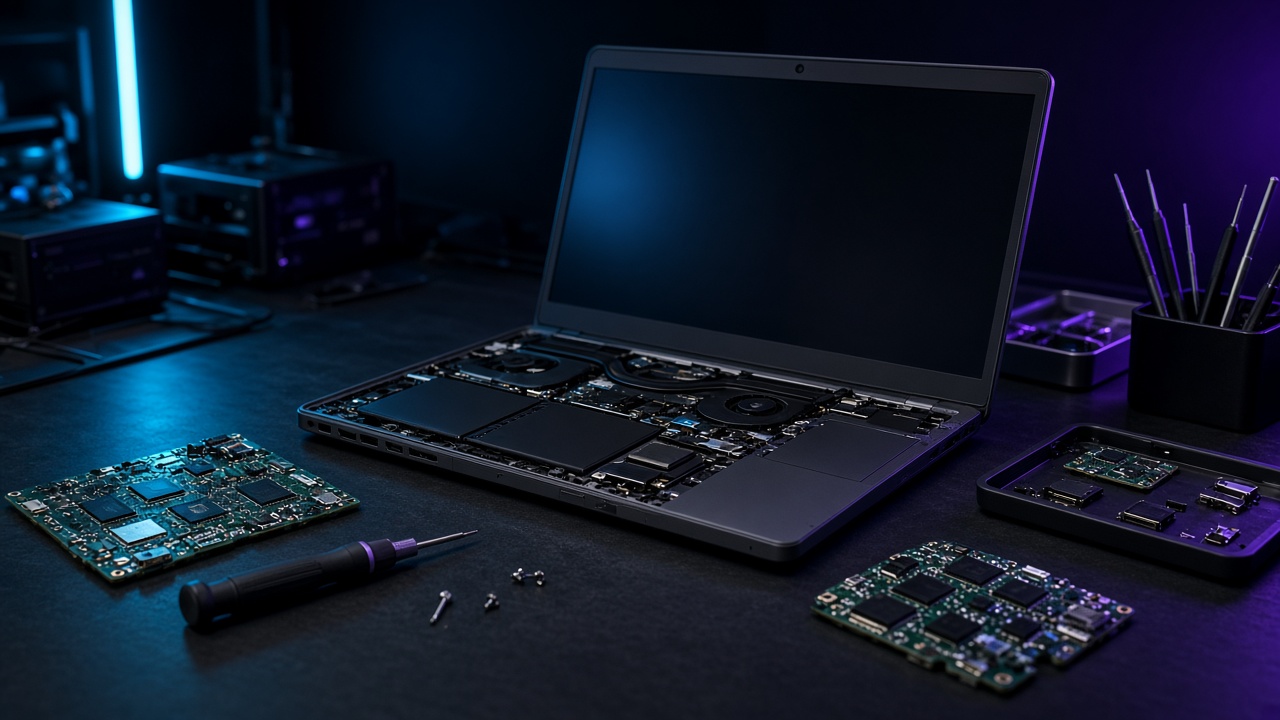
The counter and the
repair bench, one stock
Computer shop ERP for shops that sell hardware and also take machines in for service.
A laptop sold today should leave the shelf and keep its serial. A laptop dropped for repair should open a ticket, not disappear into a drawer.
Parts used on a repair come out of the same inventory the counter sells from.
Billing covers both a retail sale and a service job.
Inventory
What is on the shelf, and what is low.
Serial numbers
Each unit can be traced after it is sold.
Repair tickets
Machine in, status, and the parts used.
Billing
A sale or a service job, on one bill.
What a computer shop runs
Stock for the counter. Tickets for the bench.
Inventory tracking
Quantities for parts and finished units.
Serial numbers
Follow a unit from purchase to sale.
Repair tickets
Open a job when a customer leaves a machine.
Billing
Charge for the sale or for the repair.
Customer history
Past purchases and past repairs on one person.
Low stock
Know which spare is about to run out.
From the counter
to a closed ticket
The machine, the parts, and the bill stay on one job.
Take the machine in
A ticket opens with the customer and the fault.
Use parts from stock
Spares leave inventory as they are fitted.
Update the ticket
The bench marks the job as it moves.
Bill and hand it back
The customer pays for parts and labor.
Shops that sell hardware
and fix it
Computer shops
Sales counter plus a repair bench.
Service centers
Tickets for machines left behind.
Parts counters
Serials and quantities on the same item.
Billing desks
One bill for a sale or a repair.
See the computer shop ERP
Tell us how the counter and the repair desk work today. We will walk through the matching screens.
Request a demo